A New Way to Build a Dashboard (for geek only).
My work relies heavily on my homelab environment, which I’ve described in detail in a previous article, available here.
In practice, I need to stay informed about the status of my cluster, including storage services, disk health, CPU/GPU/memory load, and network I/O. I’ve been exploring how to create a dashboard that provides a comprehensive overview of all this information.
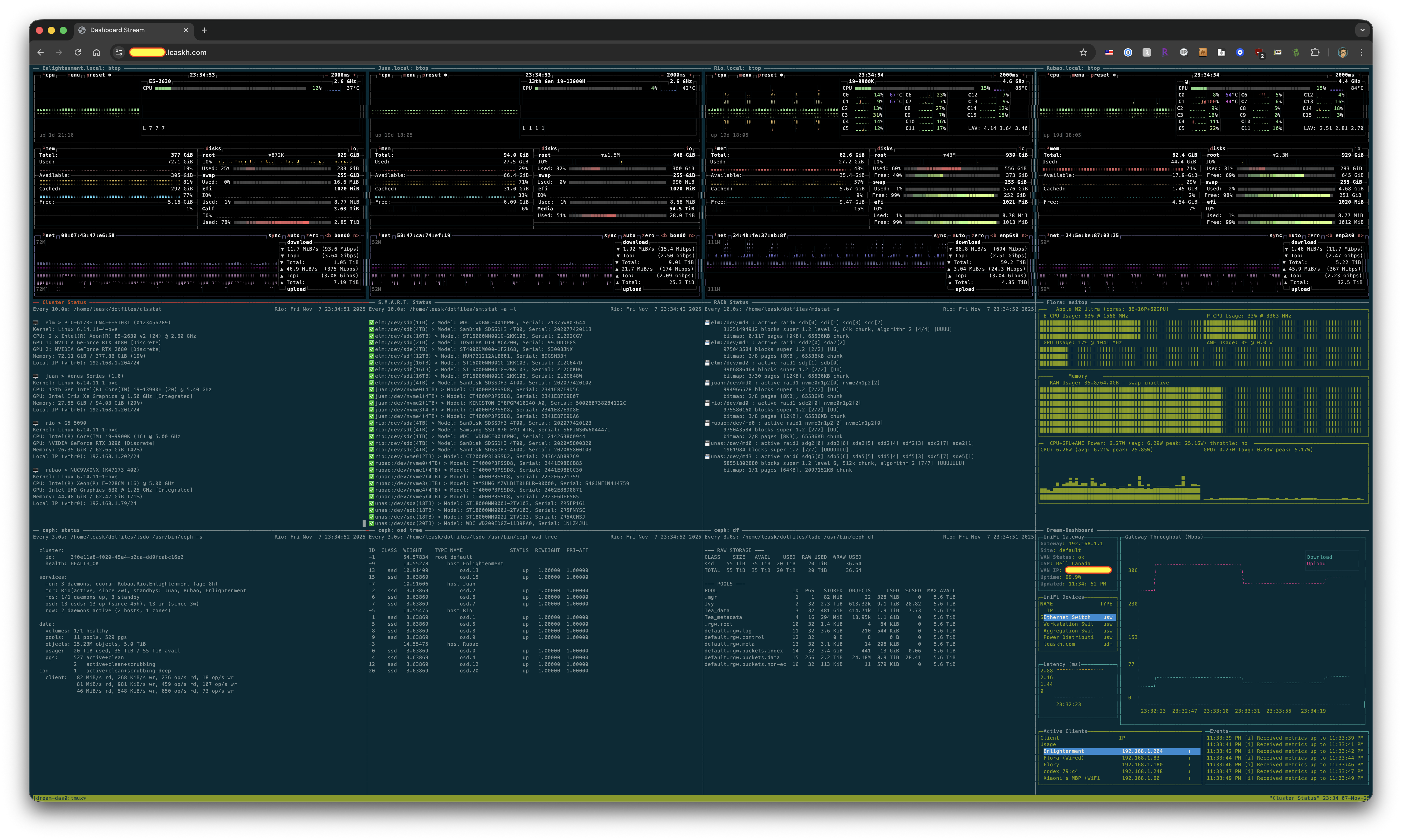
As a CLI enthusiast, I prefer command-line solutions over GUIs whenever possible. After some consideration, I decided to use tmux’s multi-pane feature as the foundation for my dashboard. By combining tmux with appropriate scripts, I can monitor the various operating states of my servers. Therefore, I integrated btop, ceph, mdadm, nvtop, asitop, and a tool I developed to monitor my UniFi gateway into a single tmux startup script. This script also includes simple features such as automatically restarting panels if they encounter errors. The result is a readily available and simple dashboard. Currently, it displays the basic status of my four core computing nodes, Ceph health and metrics, the status of each mdadm array, the health of all local disks, the top active graphics cards, and the status of my network egress. You can easily create your own version, writing a bash script for this is simple, or you could ask AI to help you piece it together.
However, that’s not the main point. The fun part is that I sometimes need to check on my home machines while I’m away, and I even wanted to configure my primary workstation’s screen saver to display this dashboard. So, my next step was to turn the dashboard into a web service, accessible through a web browser. This also makes it easier to migrate to other uses and more convenient to showcase. Thus, this project was born. The code is simple, most of it was generated by prompting AI, and it hasn’t been thoroughly organized. Feel free to adjust it to suit your environment and needs. I then exposed the service through Cloudflare’s Zero Trust tunnel to authorized users, and it was basically done.
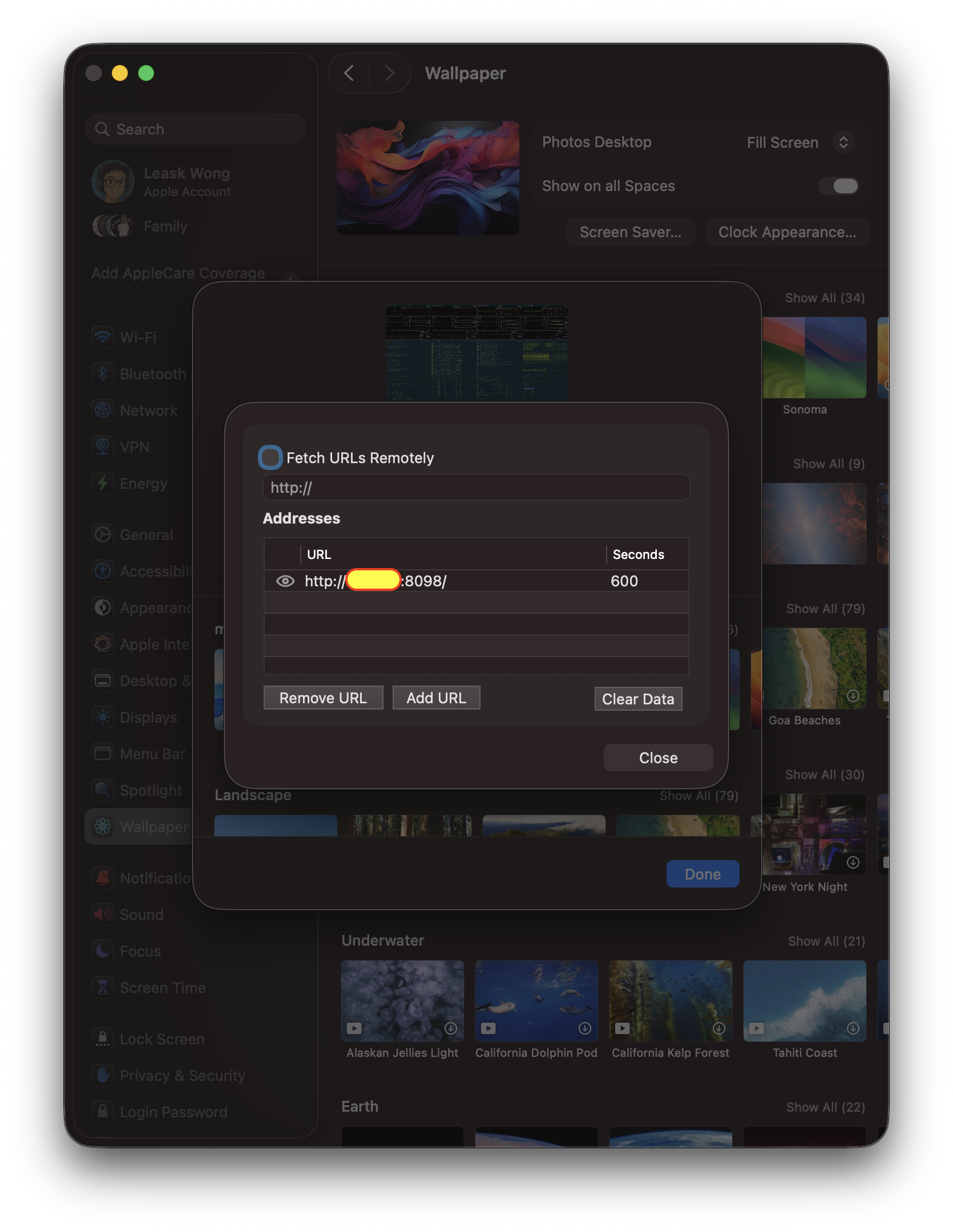
Oh, I mentioned screen savers. I found that the easiest way to set a webpage as a screen saver on macOS is using the webviewscreensaver project. However, it has some issues, such as misaligned webpage rendering on macOS 26. Therefore, I had to fork it and ask Codex to fix the most critical bugs. You can build directly from my branch if needed.